Powerful Video Caption Editor
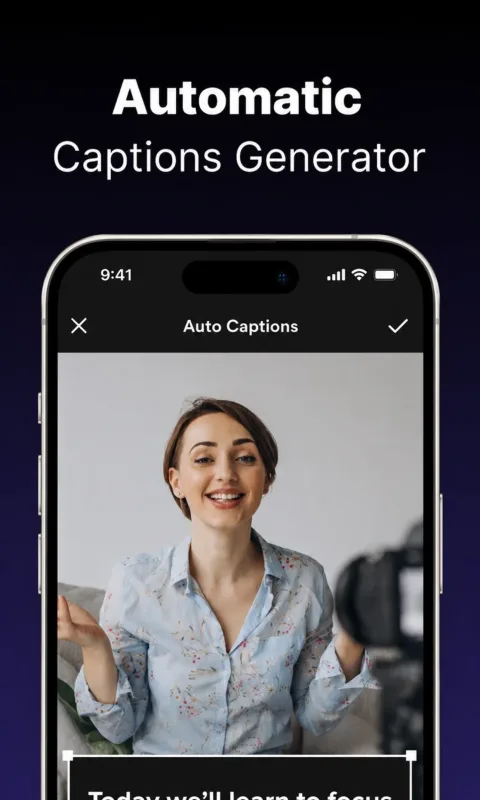
Edit every caption segment with full control. Change caption text, adjust start and
end timing, add, delete, split, duplicate, and merge captions, preview captions in real
time, drag caption position on the video, and save projects to continue editing later.
Custom Caption Styles
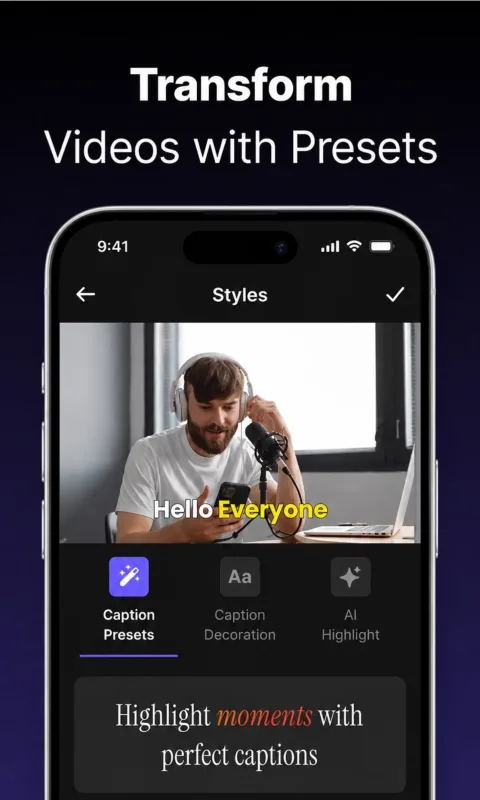
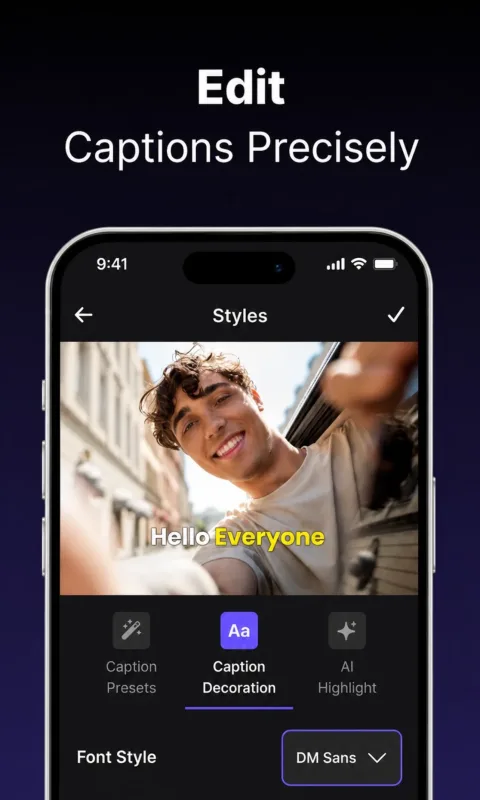
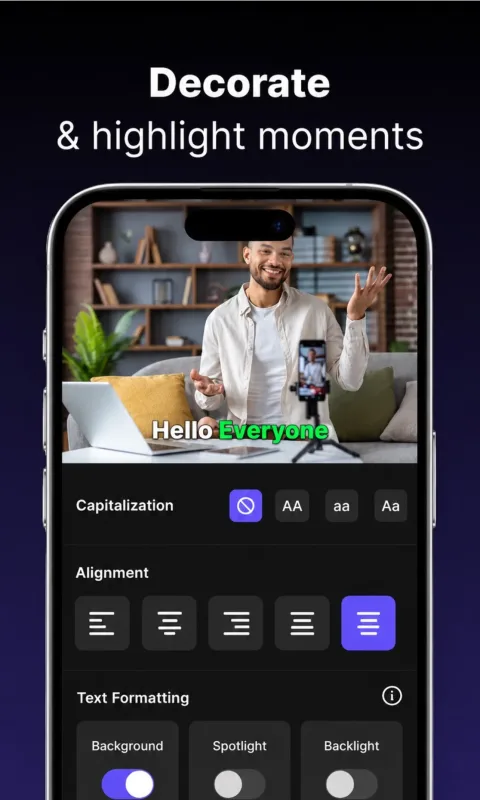
Make subtitles match your content. Choose modern caption presets and customize text
size, font, color, background, opacity, corner radius, shadow, outline, alignment, and
position for viral social videos, podcasts, lessons, demos, brand videos, and creator
templates.
Translate Captions
Reach more viewers with multi-language captions. Translate caption text, review every
translated segment, and save completed language versions directly to your project.
Video Editing Tools for Creators
Trim and cut video, add text overlays, apply filters, crop for social formats, adjust
video style, add stickers and creator elements, and prepare videos for vertical,
square, and widescreen platforms.
Export Professional Videos
Export captioned videos with multiple resolutions, MP4, MOV, M4V, and HEVC options
where supported, original and social crop ratios, burn-in captions, SRT subtitle
export, saving to Photos, and sharing finished videos.
Premium Features
Upgrade for unlimited captions, no watermark, premium caption templates, higher
quality exports, multi-language captions, faster export workflow, and premium editing
features.